Type
Cordless Drill
Services
Drills
Year
2026
A cordless drill is probably the first power tool you’ll buy. It’s also the one you’ll use most often — for everything from hanging pictures to building decks.
The problem? There are hundreds of options, and manufacturers love throwing around specs that mean nothing to most people. 18V, 20V Max, 60Nm torque, brushless motors, 2-speed gearboxes…
This guide cuts through the noise. By the end, you’ll understand exactly what matters, what doesn’t, and which drill is right for you.
Types of Cordless Drill
Before diving into specs, you need to understand what type of drill you actually need.
Drill Driver
The simplest option. A drill driver does two things: drills holes in wood, metal, and plastic, and drives screws.
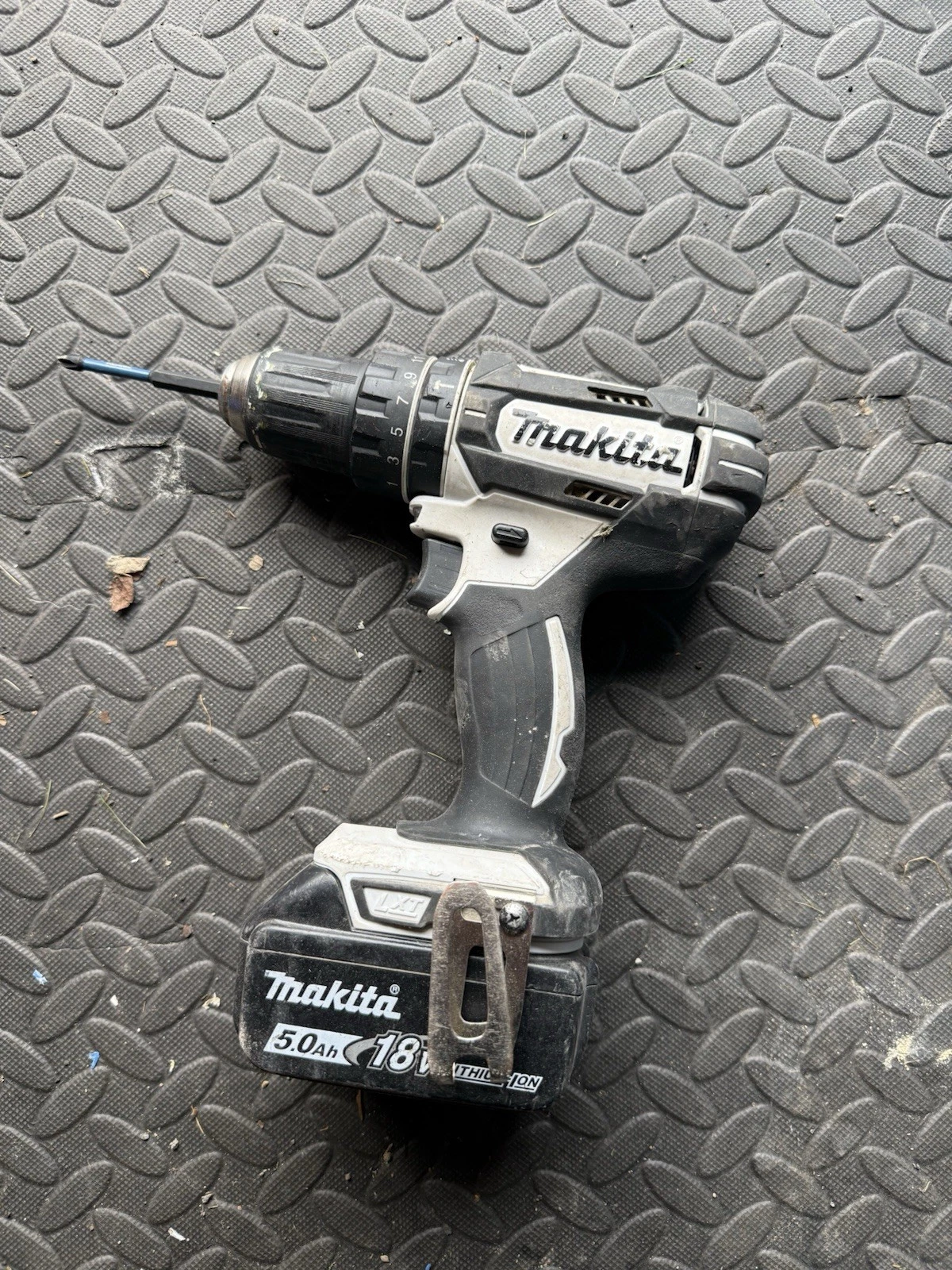
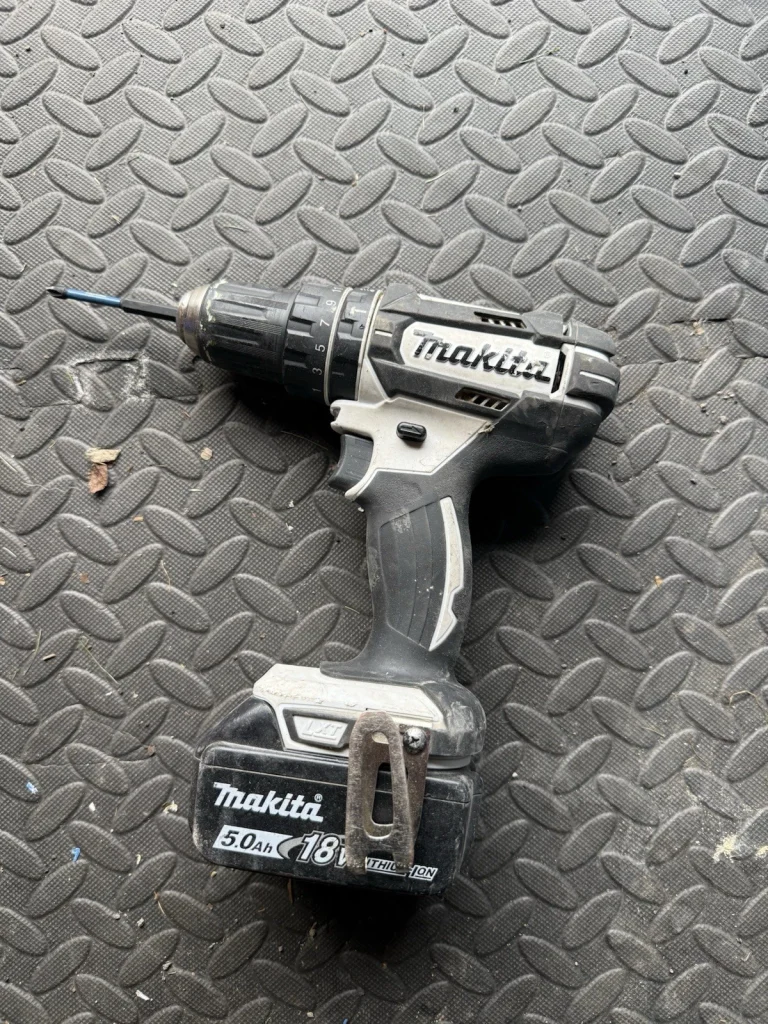
It has a clutch (the numbered ring behind the chuck) that lets you control torque when driving screws. This prevents overdriving and stripped screw heads.
Best for: Light to medium DIY, furniture assembly, hanging shelves, woodworking.
Limitation: Cannot drill into masonry (brick, concrete, stone).
Combi Drill (Combination Drill)
The UK’s most popular drill type. A combi drill does everything a drill driver does, plus adds a hammer function for drilling into masonry.
The hammer setting makes the chuck move rapidly back and forth while rotating, effectively chipping away at brick or concrete. It’s slower and louder than regular drilling, but it works.
Best for: General DIY, light trade use, anyone who might occasionally need to drill into brick walls.
Limitation: The hammer function is adequate for occasional use but not powerful enough for heavy masonry work.
Hammer Drill (SDS)
A specialist tool for serious masonry work. SDS drills use a completely different mechanism — a pneumatic piston that delivers much more powerful hammer blows than a combi drill.
Best for: Regular drilling into concrete, masonry, stone. Demolition work.
Limitation: Overkill for most DIY. Expensive. Heavy. Not suitable for screwdriving.
Impact Driver
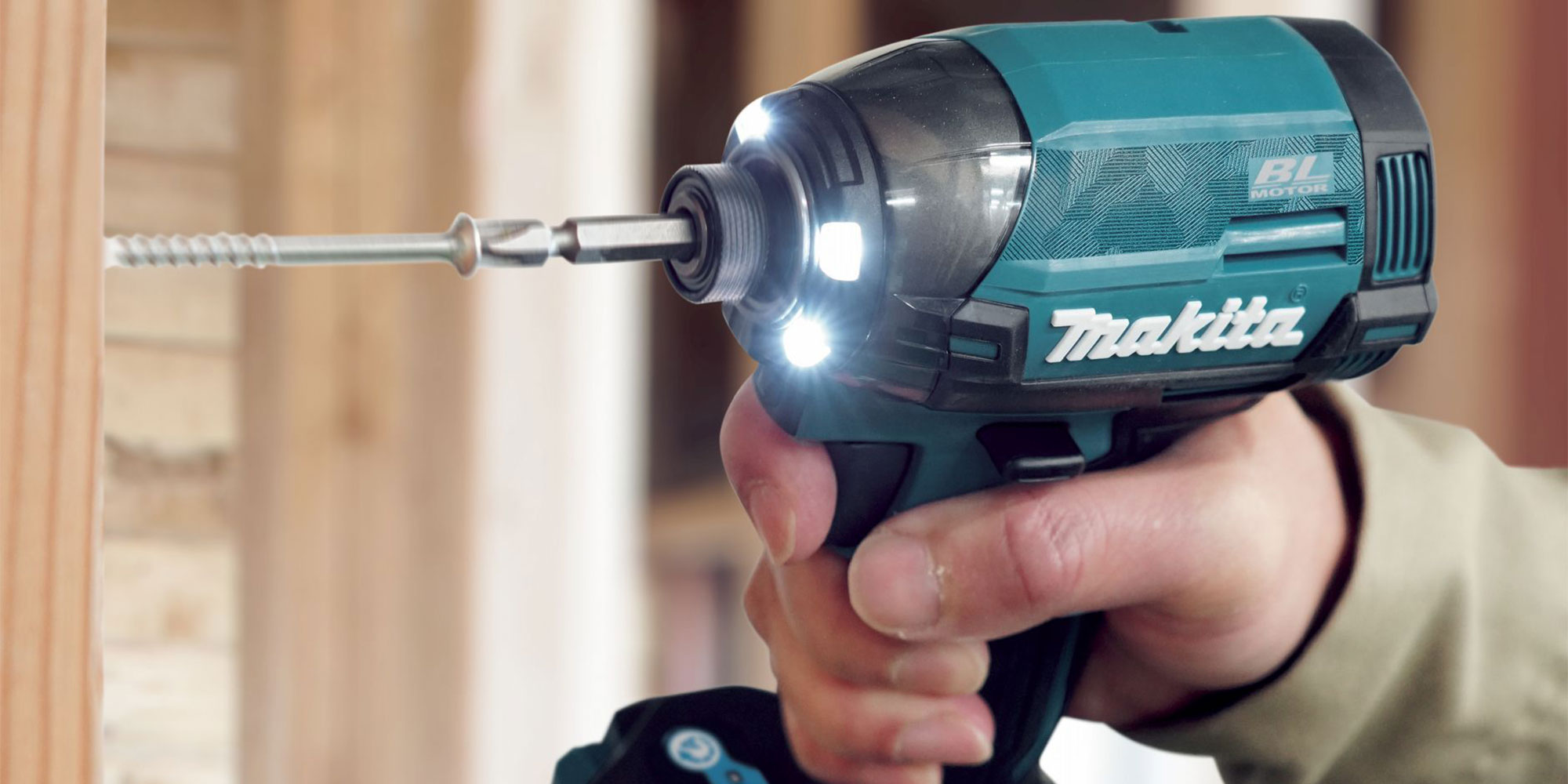
Not technically a drill — an impact driver is designed specifically for driving screws and fasteners. It delivers rotational impacts (not forward hammer blows) that provide massive torque with minimal wrist strain.
Best for: Driving lots of screws quickly. Large lag bolts. Decking. Framing.
Limitation: Not designed for drilling holes. Uses hex-shank bits only.
The Recommendation
For most people: Buy a combi drill. It handles everything you’ll encounter in typical DIY and light trade work. You can drill into wood, metal, plastic, and brick with one tool.
For professionals: Consider a combi drill AND an impact driver as a pair. The combi handles drilling and precision work; the impact driver handles heavy screwdriving.
Voltage — What Do The Numbers Mean?
Cordless drill voltage is the first spec everyone notices. But what does it actually mean?
The Simple Version
Higher voltage = more potential power.
That’s it. Voltage indicates the electrical potential of the battery. More voltage means the drill can deliver more torque and speed — assuming everything else is equal.
Common Voltage Classes
| Voltage | Use Case |
|---|---|
| 12V | Light DIY, furniture assembly, tight spaces. Compact and lightweight. |
| 18V | The sweet spot for most users. Enough power for almost anything. Standard trade voltage. |
| 20V Max | Marketing term — actually 18V nominal. Same as standard 18V tools. |
| 36V / 40V Max | Heavy-duty professional use. More power, but heavier and more expensive. |
The 18V vs 20V Max Confusion
This trips people up constantly.
18V and 20V Max are the same thing.
Battery voltage is measured two ways: nominal voltage (average during use) and maximum voltage (fresh off the charger). European brands like Makita and Bosch use nominal ratings (18V). American brands like DeWalt use maximum ratings (20V Max).
Both describe identical 18-volt lithium-ion batteries. Don’t let “20V Max” marketing make you think it’s more powerful — it isn’t.
What Voltage Should You Choose?
18V (or 20V Max) is the right choice for almost everyone.
12V tools are lighter and more compact, but lack the power for demanding tasks. 36V/40V tools are heavier and more expensive, with power most users don’t need.
18V is the industry standard. It’s powerful enough for professional trade use, affordable, and gives you access to the widest range of tools and batteries.
Torque — The Spec That Actually Matters
Torque is the twisting force your drill applies to a screw or drill bit. It’s measured in Newton-metres (Nm).
Higher torque = more driving power.
A drill with 50Nm torque will drive larger screws into harder materials than one with 30Nm.
Torque Ranges by Use
| Torque (Nm) | Suitable For |
|---|---|
| 20-35 Nm | Light DIY, furniture assembly, small screws |
| 35-60 Nm | General DIY, medium screws, most household tasks |
| 60-90 Nm | Trade use, large screws, dense hardwood |
| 90+ Nm | Professional use, lag bolts, heavy construction |
Hard Torque vs Soft Torque
Some manufacturers quote two torque figures: “hard” and “soft.”
- Hard torque — measured when driving into metal (which doesn’t give)
- Soft torque — measured when driving into wood (which compresses slightly)
Hard torque is the more meaningful number for comparing drills.
The Clutch — Controlling Torque
The numbered ring on your drill (usually 1-20 or higher) is the clutch setting. It controls how much torque the drill applies before disengaging.
Lower numbers = less torque. The clutch slips before the drill can apply full power. Use this for small screws and soft materials to avoid overdriving.
Higher numbers = more torque. The clutch allows the drill to push harder before slipping. Use this for larger screws and harder materials.
The drill icon = full torque mode. No clutch engagement — the drill applies maximum power until you release the trigger. Use this only when drilling holes, never for screwdriving.
How to Use the Clutch
- Start at a low setting (around 5-8 for most screws)
- Drive a test screw
- If the clutch clicks before the screw is flush, increase the setting
- If the screw overdrives, decrease the setting
- Find the sweet spot where screws finish flush
This takes practice, but it’s the difference between clean work and stripped screws.
Speed — RPM and Gears
Speed is measured in rotations per minute (RPM). Most drills have two speed settings controlled by a mechanical switch near the trigger.
Gear 1 (Low Speed, High Torque)
- Typically 0-500 RPM
- Maximum torque at slow speed
- Use for: Driving screws, drilling large holes, working with hard materials
Gear 2 (High Speed, Lower Torque)
- Typically 0-2000 RPM
- Faster rotation but less torque
- Use for: Drilling smaller holes, working with soft materials, faster work
Variable Speed Trigger
Most drills also have a variable speed trigger — squeeze gently for slow speed, fully for maximum speed.
This gives you fine control within each gear setting. Start slow to position the bit, then increase speed once you’re drilling.
Which Gear for Which Task?
| Task | Gear | Why |
|---|---|---|
| Driving screws | Gear 1 | Maximum torque, controlled speed |
| Drilling small holes in wood | Gear 2 | Speed helps clear waste |
| Drilling large holes in wood | Gear 1 | Needs torque to cut |
| Drilling into metal | Gear 1 (slow trigger) | Prevents overheating |
| Drilling into masonry | Gear 2 + hammer | Speed helps hammer action |
Brushed vs Brushless Motors
This is the feature most worth paying extra for.
Brushed Motors (Traditional)
Brushed motors use carbon brushes that physically contact the spinning rotor to transfer electricity. This creates friction and wear.
Pros: Cheaper. Proven technology.
Cons: Less efficient (more energy lost as heat). Brushes wear out and need replacement. Shorter motor life.
Brushless Motors (Modern)
Brushless motors use electronic controllers instead of physical brushes. No contact means no friction.
Pros:
- Up to 50% more runtime per battery charge
- More power for the same voltage
- Runs cooler
- Longer motor lifespan (no brushes to wear)
- Often lighter and more compact
Cons: Higher purchase price.
Is Brushless Worth It?
Yes, if you’ll use the drill regularly.
The extra runtime per charge alone justifies the price premium for anyone doing more than occasional DIY. Add the extended lifespan and you’re actually saving money over time.
For very occasional use, brushed drills remain perfectly adequate.
Batteries — The Hidden Cost
When you buy a cordless drill, you’re buying into a battery platform. This decision matters more than the drill itself.
Amp-Hours (Ah) — Battery Capacity
Amp-hours indicate how much energy a battery stores. Higher Ah = longer runtime.
| Battery Size | Weight | Best For |
|---|---|---|
| 1.5-2.0 Ah | Light | Compact drills, light tasks, tight spaces |
| 3.0-4.0 Ah | Medium | General use, good balance |
| 5.0-6.0 Ah | Heavy | Long work sessions, demanding tasks |
The trade-off: Larger batteries are heavier. A 5.0Ah battery on a compact drill defeats the purpose of compactness. Match battery size to the tool and task.
Platform Lock-In
This is crucial: batteries are not interchangeable between brands.
When you buy a Makita drill, you’re committing to Makita batteries. Those batteries work with Makita’s entire 18V LXT range — impact drivers, circular saws, jigsaws, and dozens of other tools.
If you later want a DeWalt circular saw, you’ll need to buy DeWalt batteries too.
Choosing a Platform
Think about what tools you might want in the future, not just today’s drill purchase.
| Platform | Range Size | Notes |
|---|---|---|
| Makita LXT (18V) | 350+ tools | Largest tool range. Popular with trades. |
| DeWalt XR (18V/20V Max) | 250+ tools | Strong trade presence. FlexVolt compatibility. |
| Milwaukee M18 | 250+ tools | Premium quality. Dominates in US. |
| Bosch Professional (18V) | 100+ tools | Solid quality. Good balance. |
| Ryobi ONE+ (18V) | 300+ tools | Best budget platform. DIY-focused. |
For more detail on this decision, see our guide: Makita vs DeWalt — Which Platform Should You Choose?
Buy Two Batteries
Whatever drill you choose, get a kit with two batteries. This lets you keep working while one charges. Most chargers take 30-60 minutes for a full charge — that’s a long time to wait mid-project.
Chuck Size — 10mm vs 13mm
The chuck is the part that grips the drill bit. Size refers to the maximum diameter bit it can hold.
10mm Chuck
- Lighter and more compact
- Accepts most standard drill bits
- Limited to smaller hole saws and accessories
13mm Chuck
- Standard on most combi drills
- Accepts the full range of bits and accessories
- Slightly heavier
Recommendation: For a main drill, choose 13mm. It gives you flexibility for larger bits, hole saws, and mixing paddles without any practical downside.
Features Worth Paying For
LED Work Light
Almost every modern drill has one. Useful for illuminating the work area when drilling in cupboards or dimly lit spaces.
Belt Clip
Handy for keeping the drill on your belt when climbing ladders or moving around. Detachable is better than fixed.
Magnetic Bit Holder
A small holder on the body for a spare screwdriver bit. Genuinely useful — saves fishing around in pockets.
Carry Case
Keeps everything together. Hard cases protect better; soft bags are lighter.
Accessory Kit
Many drills come with sets of bits and accessories. Quality varies wildly. Brand-name accessories (Bosch, Milwaukee) are usually decent. Generic “100-piece kits” are often junk.
Features That Don’t Matter Much
Maximum RPM
Manufacturers love quoting maximum no-load speed. This tells you very little about real-world performance. Torque matters more.
Plastic vs Metal Chuck
All modern drills have keyless chucks. Some have metal sleeves, some plastic. In practice, both work fine for typical use. Metal is more durable for heavy professional use.
Hammer Rate (BPM)
Combi drills quote hammer rates (blows per minute). Higher isn’t necessarily better — it depends on the drilling application. This spec matters more for SDS drills.
What Should You Spend?
Budget (£50-80)
Entry-level branded drills (Bosch Green, Black+Decker, Ryobi basic). Adequate for occasional DIY. Usually brushed motors, smaller batteries, fewer features.
Mid-Range (£80-150)
The sweet spot for most DIYers. Brushless motors, decent batteries, reliable performance. Look here for Makita G-Series, DeWalt XR basics, Bosch Professional entry-level.
Premium (£150-250+)
Trade-grade tools. Maximum power, maximum features, maximum durability. Makita DHP, DeWalt DCD, Milwaukee M18 FUEL. More than most DIYers need.
The Real Cost
Remember: a drill kit includes the drill, batteries, and charger. “Bare tool” prices are cheaper but don’t include batteries.
If you’re starting fresh, you need a full kit. If you already have batteries from the same platform, bare tools save significant money.
Quick Decision Guide
I’m a complete beginner doing occasional DIY: → Ryobi ONE+ combi drill kit (~£100). Affordable, adequate, huge platform for future tools.
I’m a serious DIYer who uses tools regularly: → Makita DHP or DeWalt DCD combi drill kit (£120-180). Brushless motor, professional quality, will last years.
I’m a professional tradesperson: → Milwaukee M18 FUEL or Makita DHP486 (£200+). Maximum power and durability. Consider pairing with impact driver.
I just need something for IKEA furniture: → A simple drill driver is fine. Bosch IXO or similar compact screwdriver might be all you need.
Frequently Asked Questions
What’s the difference between 18V and 20V Max?
Nothing. They’re the same voltage, measured differently. 18V is nominal (average), 20V Max is maximum (fresh off charger). Marketing, not performance.
Do I need a combi drill or just a drill driver?
If you might ever drill into brick or concrete walls — which most UK homes have — get a combi drill. The hammer function adds minimal cost and weight.
How long do batteries last?
Modern lithium-ion batteries should last 3-5 years or hundreds of charge cycles with proper care. Don’t store them fully discharged or in extreme temperatures.
Can I use any brand’s batteries in my drill?
No. Batteries are proprietary to each brand’s platform. This is why choosing the right platform matters.
Is more torque always better?
Not necessarily. More torque gives you capability for harder tasks, but most DIY work doesn’t need massive torque. A 50Nm drill handles the vast majority of household tasks comfortably.
Should I buy online or in-store?
Either works. In-store lets you feel the weight and grip. Online often has better prices and selection. Major retailers (Screwfix, Toolstation) offer good return policies either way.
The Bottom Line
For most people, an 18V brushless combi drill from a reputable brand is the right choice. It handles everything from furniture assembly to drilling into brick walls, and the brushless motor ensures it’ll last for years.
Don’t overthink the specs. A mid-range drill from Makita, DeWalt, Bosch, or Milwaukee will serve you well. The differences between flagship models are marginal — professional marketing departments work hard to convince you otherwise.
What matters more is choosing a battery platform you can grow with. Buy into an ecosystem with the tools you might need in the future.
And get two batteries. You’ll thank yourself mid-project.